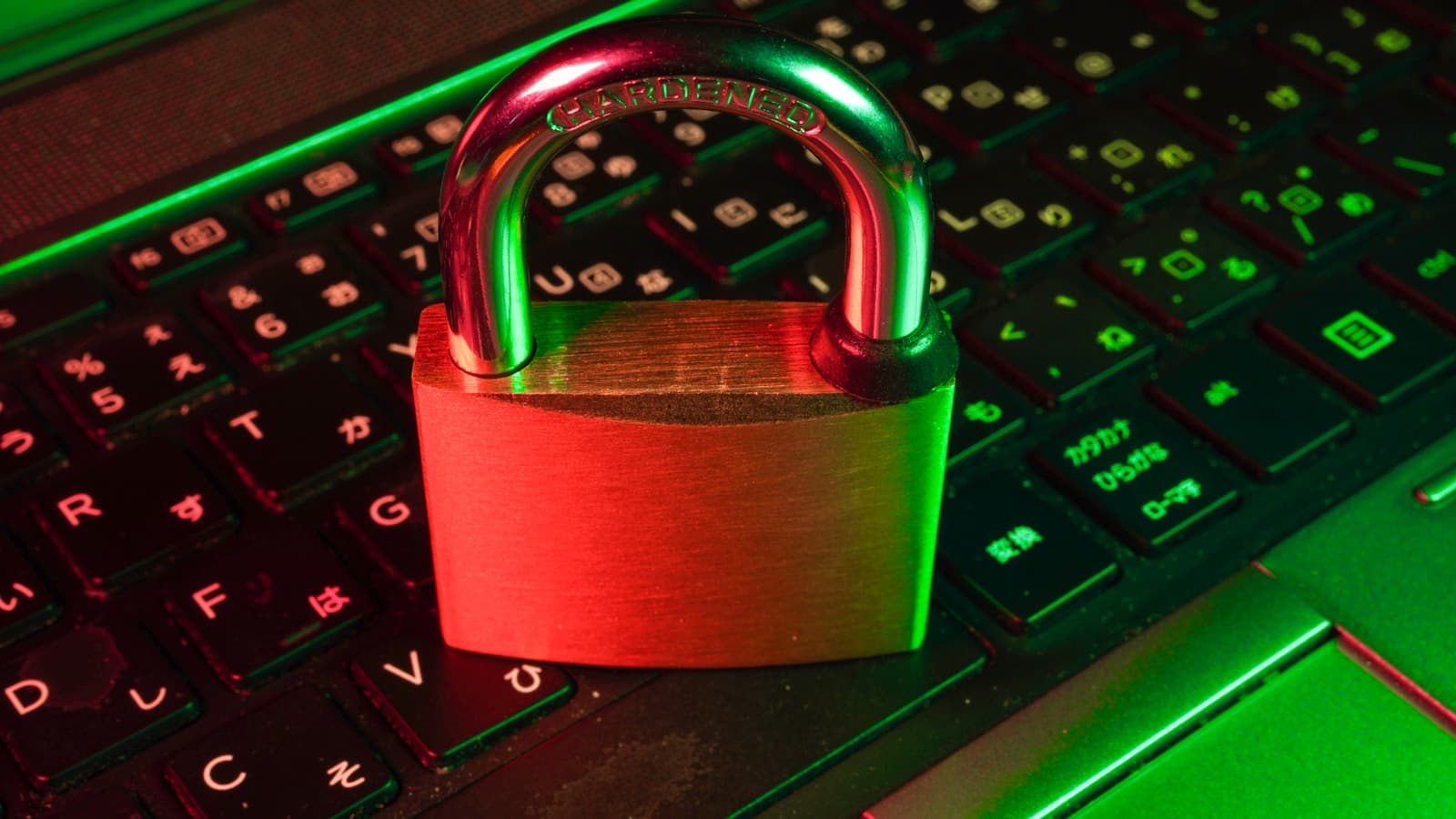
Should You Use a Password Manager to Protect Your Accounts?
Password managers promise to solve the security crisis of 100+ online accounts. But a string of high-profile breaches has raised serious questions about whether they create more risk than they prevent.
Jordan Mitchell
Cybersecurity Consultant, 12 Years Experience
Password Managers Are No Longer Optional They Are Essential
Yes, you should use a password manager. In 2026, with 16 billion passwords stolen in a single June 2025 data compilation spanning 30 separate breaches, manually managing your credentials is not a security strategy it is a liability. A password manager is the single most impactful step any person or household can take to protect their digital life, and the evidence is overwhelming.
The average person has over 100 online accounts. Remembering 100 unique, complex, non-repeating passwords is neurologically impossible. So people reuse them and that reuse is the number-one driver of account takeovers worldwide. When one site is breached, attackers run those credentials against every other major platform. It takes automated tools seconds to check if your Netflix password works on your bank. Password managers eliminate this attack vector entirely by generating a different, random password for every single site.
The Scale of the Problem Makes Managers Mandatory
The credential crisis is not a hypothetical. Verizon's 2025 Data Breach Investigations Report found that compromised credentials were involved in over 80% of web application breaches. In the UK, the National Cyber Security Centre (NCSC) found that 23.2 million breached accounts used "123456" as their password. In Australia, the Australian Cyber Security Centre (ACSC) reported that credential stuffing attacks increased by 34% in 2025. Across the US, UK, and Canada, security agencies uniformly recommend password managers as a baseline security measure.
The market reflects this consensus. Over 36% of US adults now use a password manager up from just 20% in 2021. The global password manager market is projected to grow from $3.22 billion in 2025 to $9.01 billion by 2032, driven by enterprise adoption and the collapse of the "remember it yourself" approach.
| Region | Government Agency | Official Recommendation |
|---|---|---|
| USA | CISA / NIST | Strong recommendation for all users |
| UK | NCSC | "Use a password manager" official guidance |
| Canada | CCCS | Endorsed for consumers and businesses |
| Australia | ACSC | Recommended as part of Essential Eight |
How Password Managers Actually Work
A good password manager stores all your passwords in an encrypted vault, protected by a single master password that only you know. The encryption happens locally on your device before anything reaches the cloud meaning the service provider itself cannot see your passwords. When you visit a site, it auto-fills your credentials instantly.
The top-tier options in 2026 use military-grade encryption:
- 1Password uses AES-256 encryption plus a unique 128-bit Secret Key, making brute-force attacks mathematically impossible in any realistic timeframe
- Bitwarden is open-source, fully audited, and offers a robust free tier with unlimited devices
- NordPass uses XChaCha20 encryption with Argon2id considered more resistant to side-channel attacks than AES in some configurations
All three are zero-knowledge: even if the company's servers were compromised, attackers would get only encrypted data they cannot practically decrypt.
Real-World Impact: What Happens Without One
Consider a typical professional in 2026 without a password manager:
- They reuse two or three passwords across 80 to 120 accounts
- When a mid-tier e-commerce site they signed up for in 2019 is breached, their credentials are sold for as little as $10 on criminal markets
- Attackers use automated tools to test those credentials across banking, email, and cloud storage platforms within hours
- If their email account is compromised, every "forgot password" link becomes an attack vector for every other service
This is not a theoretical scenario. It is happening at industrial scale across the US, UK, Canada, and Australia every day. A password manager breaks this chain at the source.
Additional Benefits Beyond Passwords
Modern password managers do far more than store passwords. They:
- Monitor for breaches: Alert you instantly if any stored credential appears in a known data dump
- Store 2FA codes: Many include an authenticator app, reducing the need for separate apps
- Share securely: Let families or teams share credentials without exposing them via text or email
- Flag weak passwords: Identify reused or weak passwords and prompt upgrades
- Store secure notes: Passports, credit card numbers, and medical IDs can be stored with the same encryption as passwords
For families, the benefit is particularly stark. A password manager with a family plan means elderly parents or teenagers statistically the most vulnerable groups benefit from expert-level security without needing expert-level knowledge.
| Feature | Without Manager | With Manager |
|---|---|---|
| Password uniqueness | 2 to 3 reused | 100+ unique |
| Breach notification | Days to weeks | Near-instant |
| Phishing protection | None | Auto-fill blocks fake sites |
| Sharing security | Via text or email (insecure) | Encrypted sharing |
| 2FA management | Separate app needed | Often built-in |
The Bottom Line on Cost and Effort
The top password managers cost between $2 and $5 per month less than a coffee. Bitwarden's core features are entirely free. The setup takes under 30 minutes and saves hours of "forgot password" resets annually. Every major security agency across the US, UK, Canada, and Australia recommends them. The question in 2026 is not whether you should use one. The question is which one.
For most people, the right answer is Bitwarden (free, open-source, audited) or 1Password (paid, gold-standard security). Both are zero-knowledge, both have survived independent security audits, and both have mobile and desktop apps that work seamlessly. Either choice puts your digital security on a fundamentally different level than password reuse.
Frequently Asked Questions
Yes when designed correctly, password managers are among the most secure tools available to consumers. Zero-knowledge architecture means the provider cannot access your vault. AES-256 and XChaCha20 encryption are computationally infeasible to crack. The risk comes from choosing weak master passwords or providers with poor security practices, not from the concept itself. Tools like 1Password, Bitwarden, and NordPass have strong audited security track records in 2026. The key distinction is choosing a provider with a published, independently verified zero-knowledge architecture and a track record of transparent security audits. Avoid any manager that stores your master password on their servers or lacks third-party auditing.
Most reputable password managers offer recovery options: recovery codes stored offline, emergency access via trusted contacts, or account recovery via email verification. The key is to set these up during initial configuration. Write your master password and recovery code on paper and store it somewhere physically secure such as your home safe or a lockbox. Losing your master password is a serious inconvenience, but not catastrophic if you prepared recovery options in advance. Many security experts recommend printing your recovery kit and storing it in a sealed envelope with important physical documents. Treat it like a spare house key: you hope you never need it, but you are glad it exists.
Browser password managers (Chrome, Safari, Firefox, Edge) have improved significantly and are vastly better than nothing. However, they lack breach monitoring, secure sharing, cross-browser support, 2FA management, and the zero-knowledge security architecture of dedicated tools. For casual users, a browser manager is a good starting point. For anyone managing sensitive accounts such as banking, medical, or work accounts a dedicated manager is strongly recommended. The additional features, stronger encryption architecture, and dedicated breach monitoring justify the small monthly cost for anyone who takes their online security seriously. Most dedicated managers also offer family plans that cover five or more people for under $5 per month total.
Now read Too Risky to Trust
You've read one side. Switch perspectives to get the full picture.